Cancel or reschedule a booking
A booking is not cancelled on its own. You reschedule it: the planned visit is cancelled with a reason, and the booking step reopens so you can set a new date and time. The order stays open.
Find the booking
- Select Calendar in the sidebar.
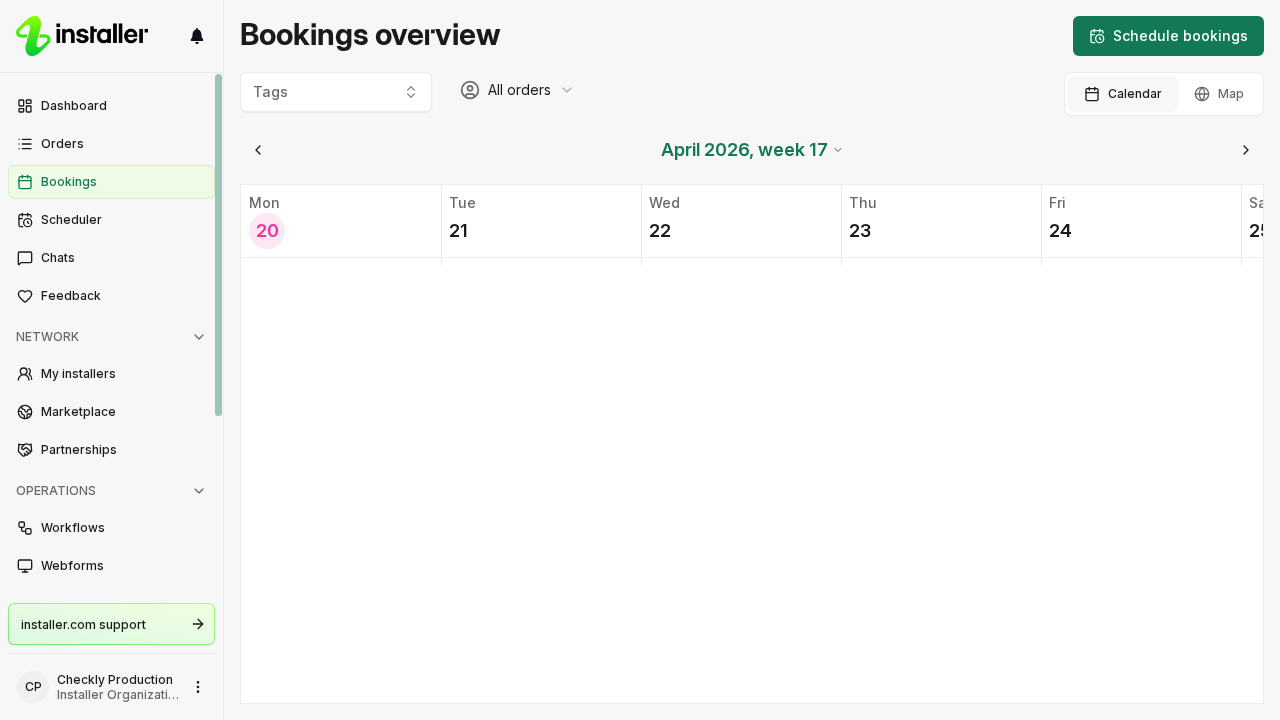
- To narrow the calendar to one or more order tags, select Tags and pick them.
- To move between weeks, use the arrow on either side of the week label, or select the label itself, for example May 2026, week 20, and pick a day.
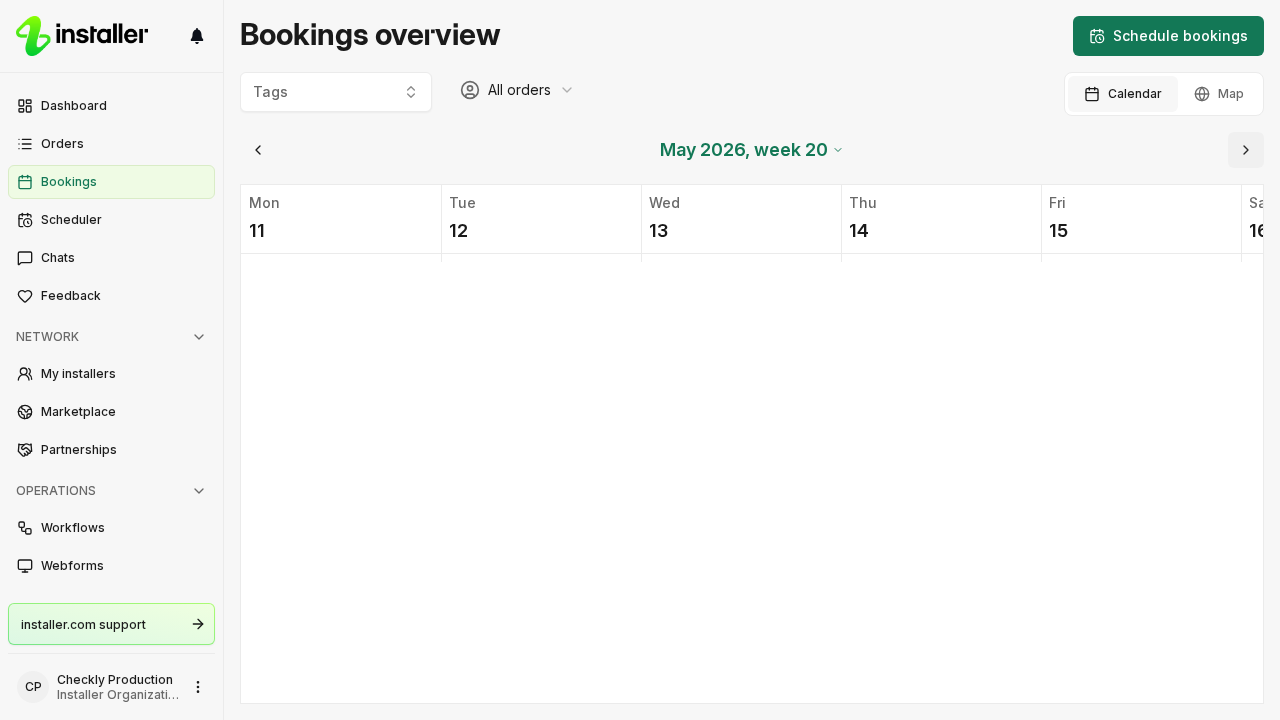
- Select the booking. The order opens.
For the rest of what the calendar shows, see View bookings on the calendar.
When you can reschedule
| Condition | Requirement |
|---|---|
| Booking status | Scheduled or Pending |
| Order status | In Progress |
A Cancelled or Rejected booking has nothing left to move, and an order that is Completed or Cancelled is no longer live, so its bookings stay as they are.
Reschedule from the order
- Open the order and select the Schedule booking step.
- On the booking card, select Reschedule.
- Pick a reason. The reasons are grouped under Customer or site issues, Installer and Other.
- Add a comment. This is optional.
- Select Reschedule.
Reschedule from the scheduler
- On the Calendar page, select Open scheduler.
- Select the booking in the scheduler. The booking opens in a dialog.
- Select Reschedule and follow steps 3 to 5 above.
What happens after you reschedule
- The planned booking is cancelled. It stays in the step’s booking history as Cancelled, with the reason and your comment.
- The Schedule booking step reopens, assigned to your own organization, so you can set the new date and time. The order shows up again under To schedule in the scheduler.
- The order timeline folds the old and new attempts into one entry, marked as edited.
Change a booking without rescheduling
Select Edit on the booking card to change the booking type, the end time, the duration, or the On site installers. The start date and time of a Scheduled booking are locked, so use Reschedule to move the start.
Close the order instead
There is no action that cancels one booking and leaves nothing in its place. If the work is not happening at all, open the order, select Close order, and pick a reason.
Related articles
Need help? Contact Installer.com support.
Was this helpful?