Connect a built-in integration
Built-in integrations connect Installer.com to other systems you work with, so your workflows can use them.
Connect an integration
- Select Settings in the sidebar.
- Under Advanced, select Integrations.
- Select the integration’s card.
- Select Connect.
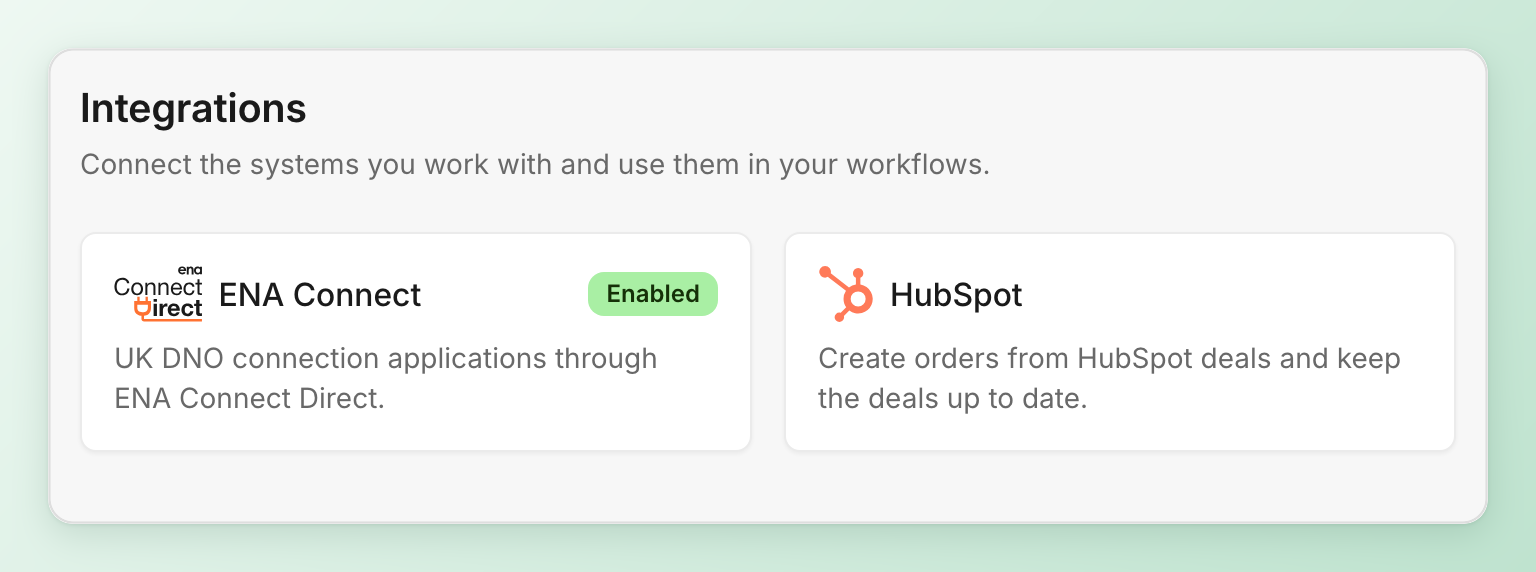
A connected integration is marked Enabled. A greyed-out card is one your organization does not have yet. Contact sales to get it.
To disconnect, open the integration and select Disconnect. Steps and settings that use it stop until you connect it again.
Ask for another integration
If a system you use is missing, ask Installer.com support for a new integration.
Related articles
Need help? Contact Installer.com support.
Was this helpful?