Change your app language
The app language is set on your own account, so it follows you wherever you sign in. It does not change the language for anyone else in your organisation.
-
Click Settings in the left sidebar.
-
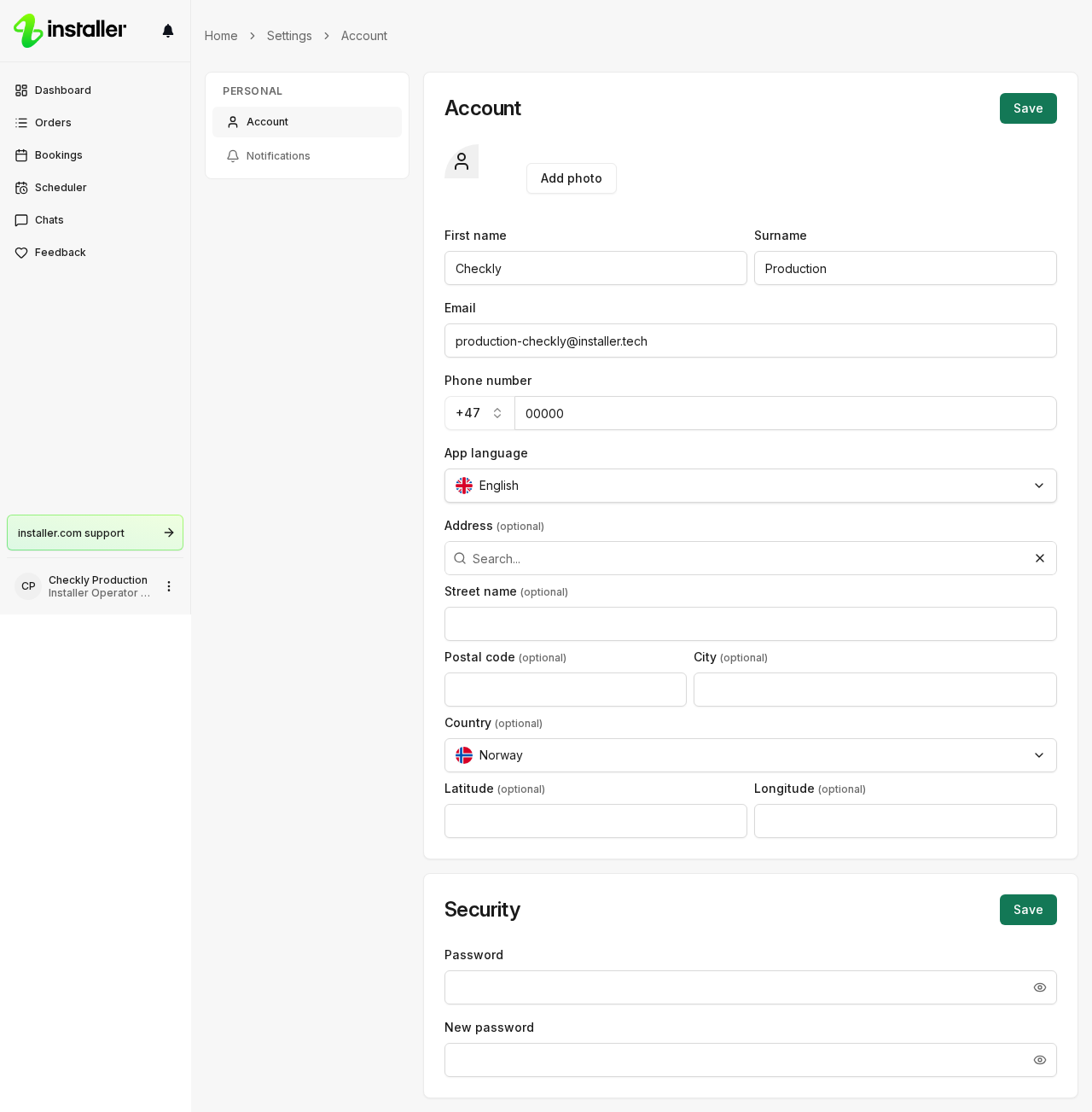
Select My settings, then click Account.
-
Click the App language field.
-
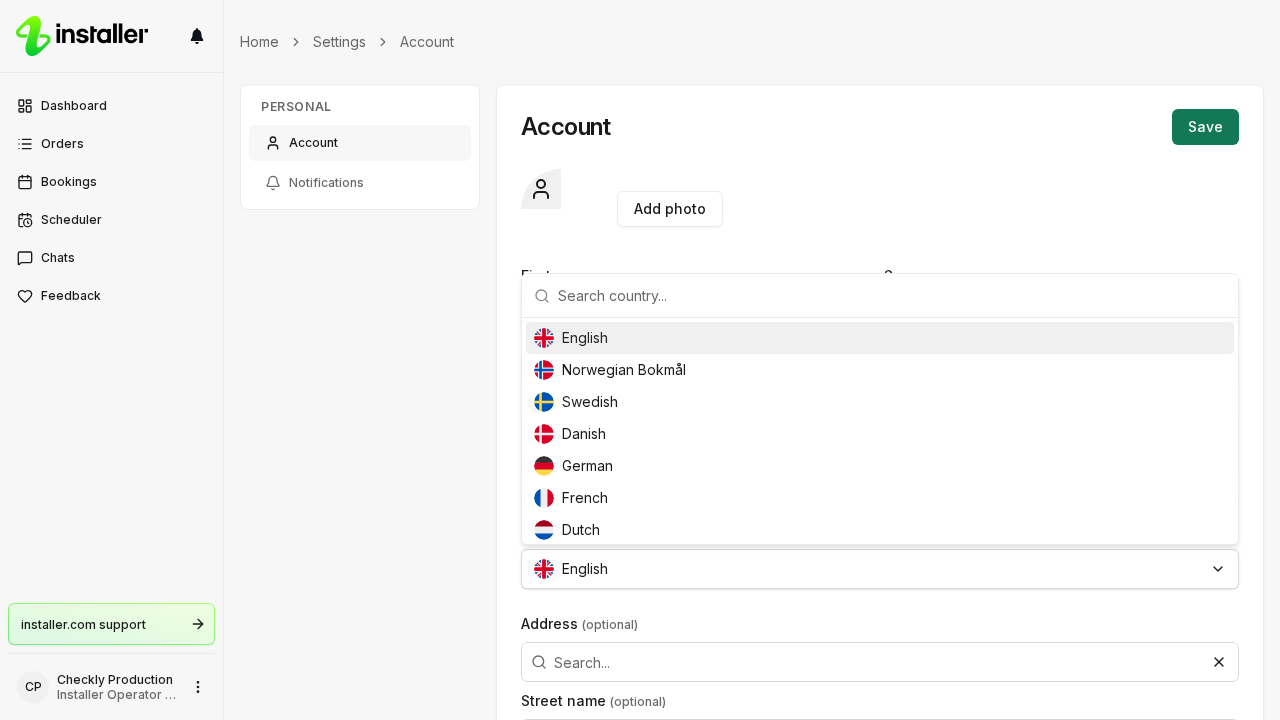
Choose a language. You can pick English, Norwegian Bokmål, Swedish, Danish, German, French, Dutch or Finnish.
-
Click Save at the top of the Account card.
The interface switches to the language you saved.
Need help? Contact Installer.com support.
Was this helpful?