Set up notification preferences
Notification preferences decide which channels each type of notification reaches you on. They are set on your own account and do not change anything for anyone else in your organisation.
-
Click Settings in the left sidebar.
-
Under Personal, click Notifications.
-
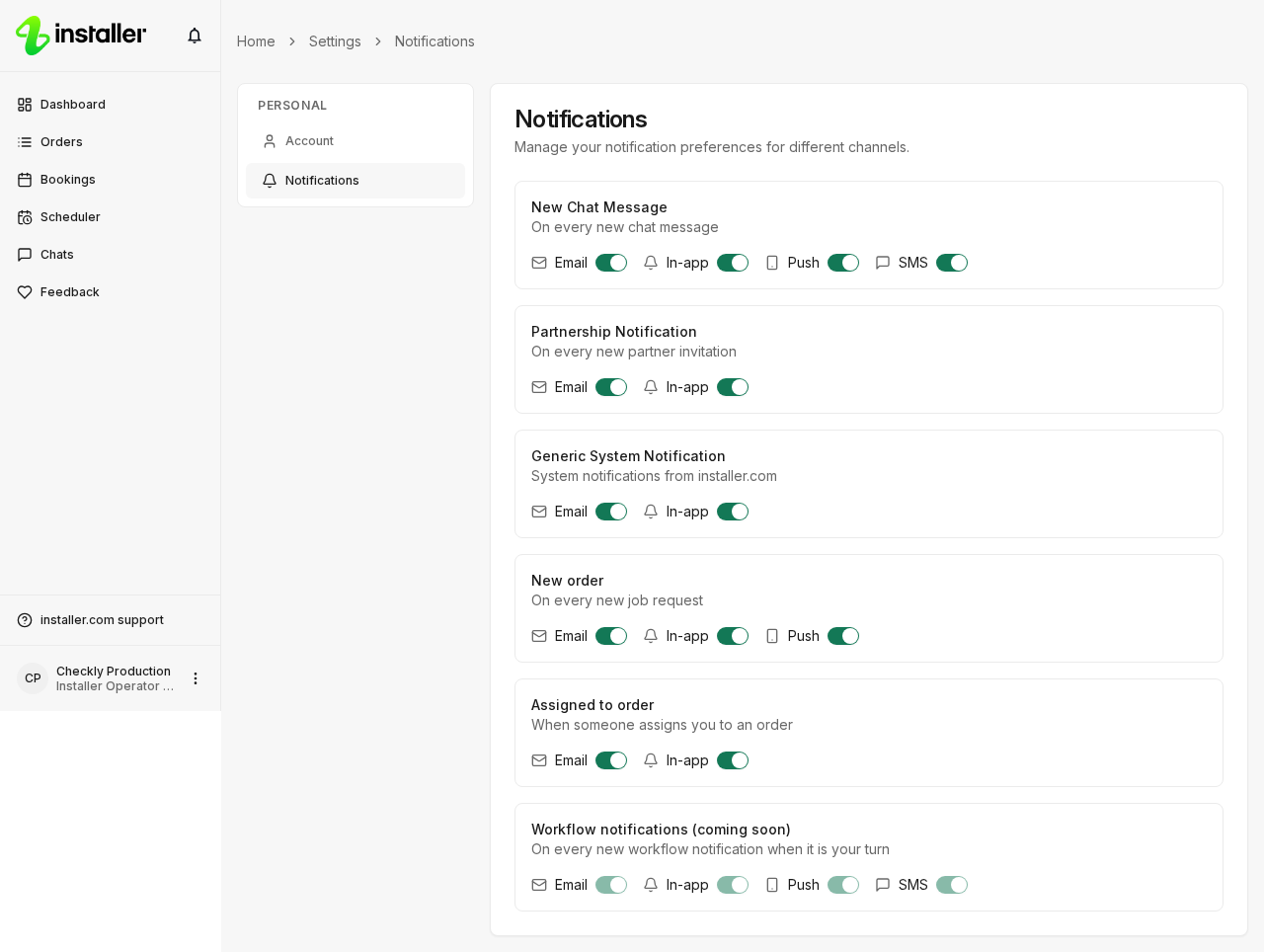
Turn the switches on or off for each notification type. The list covers the notifications you can receive, such as New Chat Message, Partnership Notification, Generic System Notification, New order and Assigned to order.
Channels
Each notification type has its own row of channels: Email, In-app, Push and SMS. A row only shows the channels that notification can use, so not every type offers all four.
Workflow notifications (coming soon) is listed but cannot be changed yet.
Saving
Each switch saves on its own as you turn it. A Changes saved message confirms it.
Open this page from your setup list
Configure notifications in the Set up your account list on the Dashboard opens the same page. Saving a preference marks that task as done.
Need help? Contact Installer.com support.
Was this helpful?