Contact Installer.com support
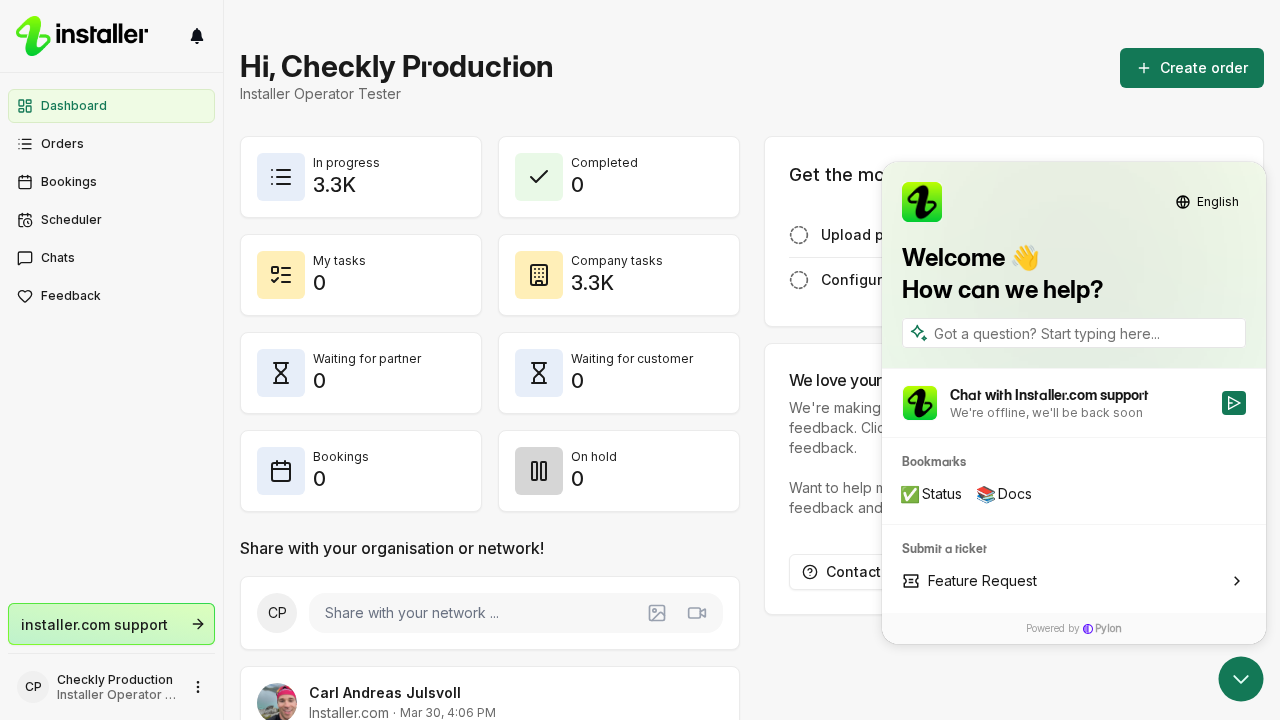
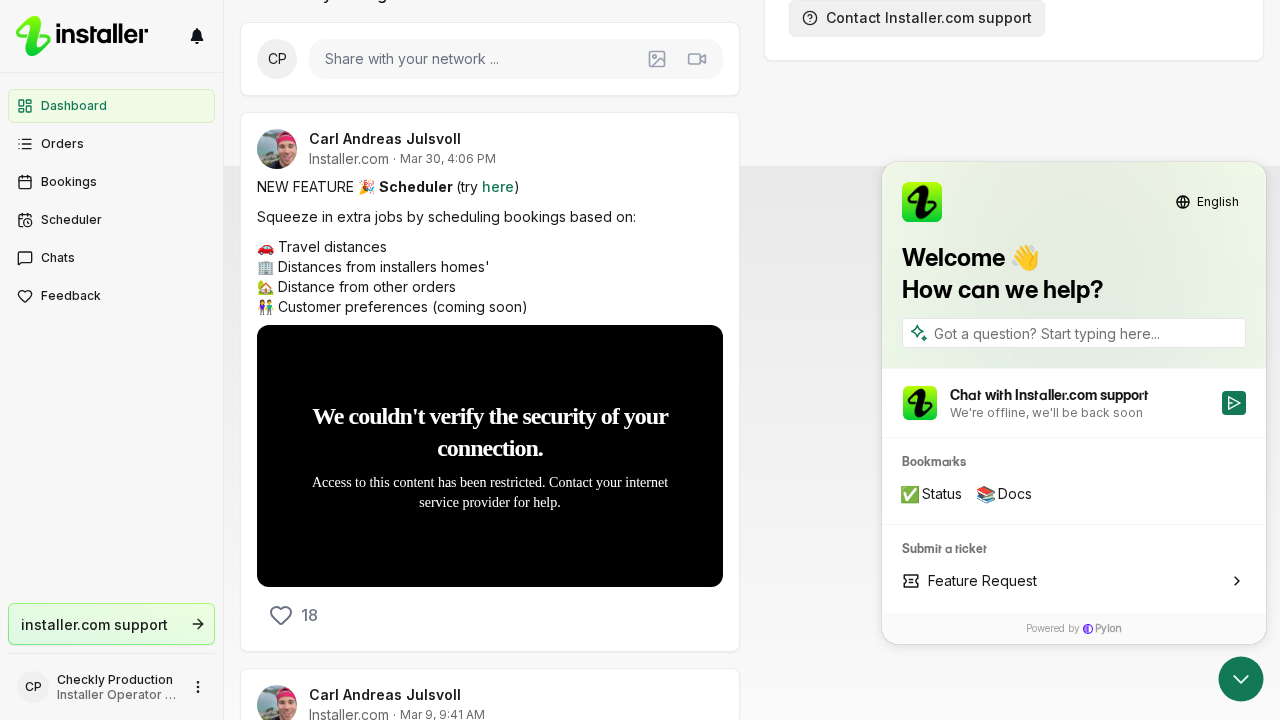
You reach Installer.com support from inside the app. The support widget opens over the page you are on, so you keep your place.
Open the support widget
- Select the question mark button at the top of the left navigation, next to the Installer.com logo.
- The widget opens on the right of the screen.
- Search for a help article, or start a chat with support.
The button appears while the left navigation is expanded. Select it again to close the widget.
Other ways to reach support
| Where | What to select |
|---|---|
| Anywhere in the app | Press Cmd+K on a Mac or Ctrl+K on Windows, then choose Installer.com support |
| Dashboard | Share feedback |
| Sign-in screen | Need help? Contact support |
On the sign-in screen you are not signed in yet, so the link opens a support form at support.installer.com in a new tab instead of the widget.
Some screens have their own support button that opens the widget with your message already started, such as Contact support for access on a locked analytics report.
Need help? Contact Installer.com support.
Was this helpful?