Set up order rating requests
When an order reaches Completed, Installer.com asks the client to rate the work. The request goes to the contact email and phone number on the order, by email and SMS, and links to a five-star form. Each order gets one request.
Turn rating requests on or off
- Select Settings in the sidebar.
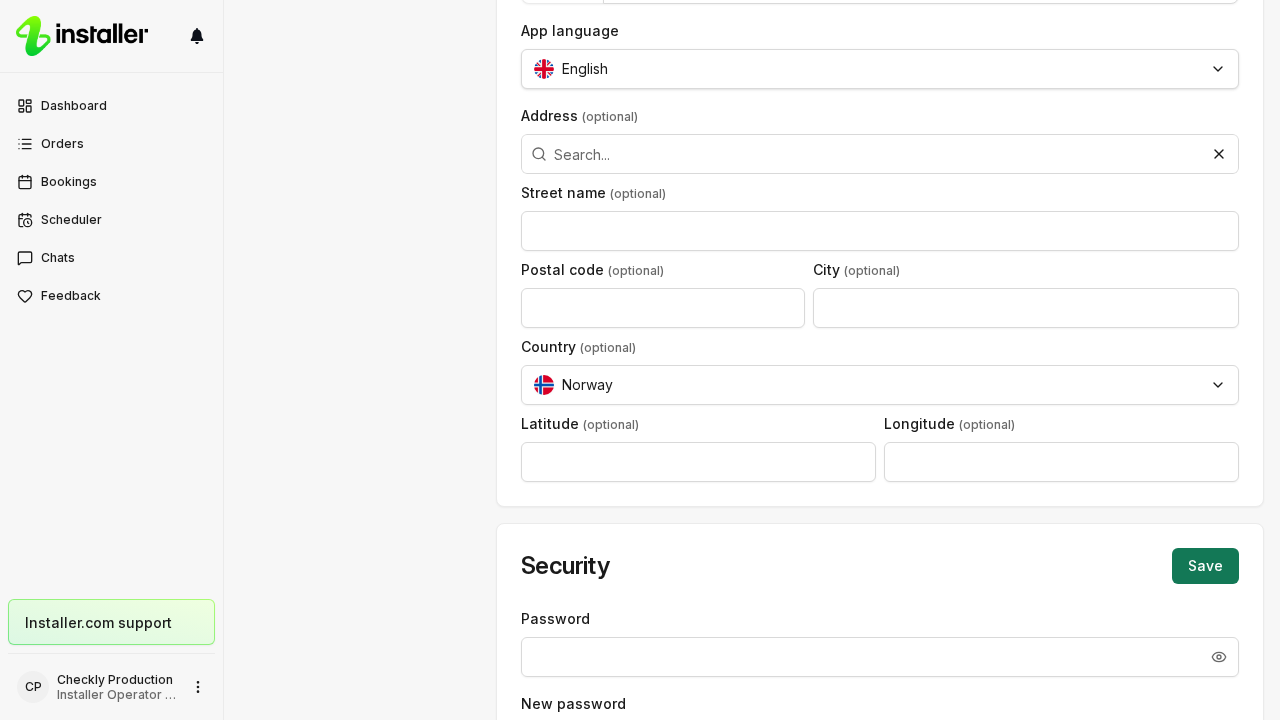
- Switch to your organization settings and select Company.
- Turn Enable client feedback on or off.
- Select Save.
The switch is on unless someone turns it off. Turning it off stops the request for every order in the organization.
Choose when the request is sent
By default the request is sent when the order becomes Completed. To send it as soon as a particular step finishes instead:
- Select Workflows in the sidebar.
- Open the workflow and select Settings.
- On General, set Send rating after step to that step.
Default — when order is completed keeps the standard behaviour. The field appears only while Enable client feedback is on.
Your own notification channels
Settings > Notifications lists the notifications you receive, each with a switch for Email, In-app, Push and SMS. Those switches are yours alone. They do not change what the client receives.
When no request is sent
| Reason | What to do instead |
|---|---|
| Enable client feedback is off | Turn it on in Company settings. |
| The order has no client email address | Add the contact email to the order. |
| The workflow has a Feedback step | Nothing. The step collects the rating inside the workflow. |
| The client has already rated the order | Nothing. The rating is in. |
Related
Need help? Contact Installer.com support.
Was this helpful?